Guides

Practical safety checks before downloading a presentation from the web, plus how to edit it properly once you have it.
Presentation files can carry macros or embedded scripts, and .ppt/.pptx files from unfamiliar sites are occasionally used to distribute malware. A few simple habits keep this risk low without making the process complicated or slowing you down significantly.
.ppt or .pptx. Be cautious of a download that ends in .exe, .scr, or a double extension like .pptx.exe — this is a classic disguise technique.Run the file through your antivirus software, even if your browser already flags it as safe. Most modern antivirus tools scan downloads automatically, but a manual right-click scan takes a few seconds and adds an extra layer of confidence, especially for files from sources you're not entirely familiar with.
If PowerPoint shows a "Enable Content" or macro warning banner when you open a file, leave it disabled unless you specifically know the presentation requires a macro (for example, an interactive quiz template) and trust the source. Most standard seminar or academic presentations don't need macros at all, so this banner appearing on a simple topic-based presentation is itself a small warning sign worth pausing on.
If you're not sure which PowerPoint version the audience or evaluator will use, export a PDF version as a backup (File > Export > Create PDF/XPS). A PDF preserves formatting exactly, even though it's no longer editable, and it's a reliable fallback if the presenting computer doesn't have PowerPoint installed at all.
If a downloaded file behaves unexpectedly — unusual pop-ups, unexpected requests for permissions, or content that doesn't match what you expected — close it immediately without enabling any content, and delete the file. It's always faster to re-download from a more trusted source than to troubleshoot a file you're not confident about.
Continue reading similar articles.

The most reliable ways to export a PowerPoint file to PDF, plus fixes for the formatting issues that most commonly go wrong.
Read article
Learn how to search PPT Finder for free seminar PowerPoint presentations, filter useful decks, and download slides without wasting time.
Read article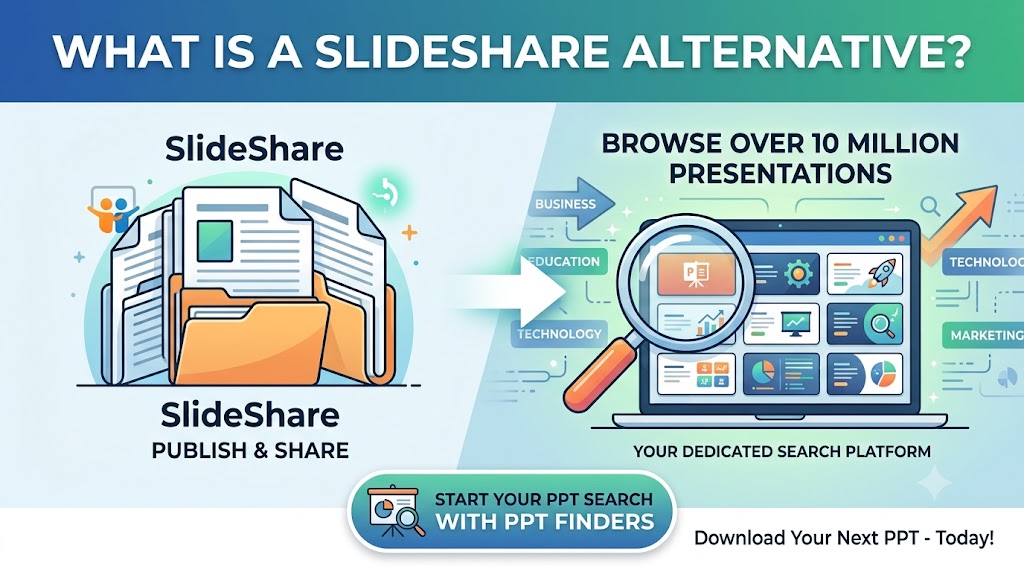
Looking for a SlideShare alternative to find PowerPoint presentations? Discover how PPT Finders helps students and professionals search for presentations by topic and find useful PPT resources faster.
Read article