PowerPoint Resources
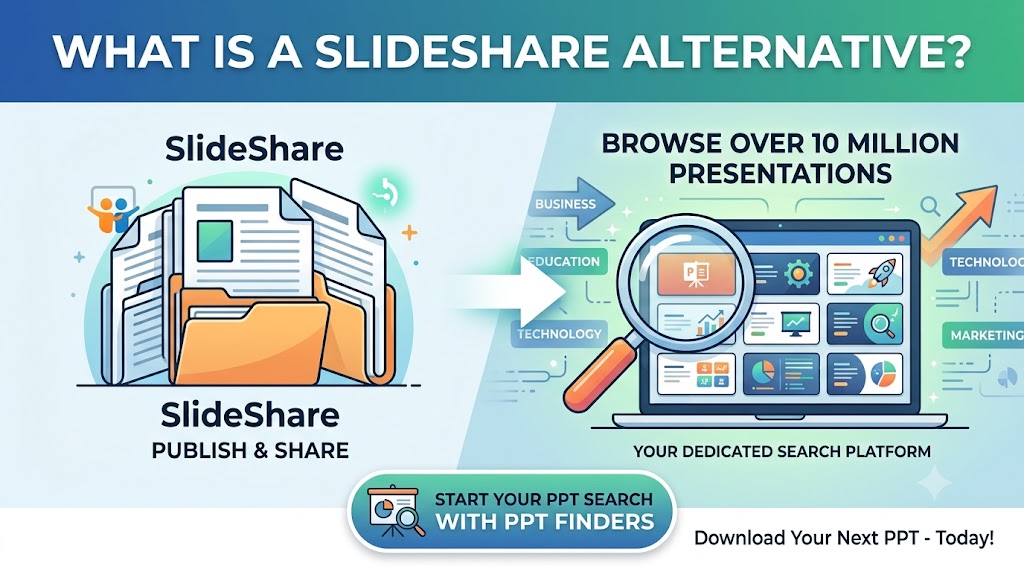
Looking for a SlideShare alternative to find PowerPoint presentations? Discover how PPT Finders helps students and professionals search for presentations by topic and find useful PPT resources faster.
SlideShare is widely known as a platform for sharing and discovering presentations, documents, and other visual content. But people looking for presentation resources can have different needs.
Some users want to publish their own presentations. Others simply want to find a PowerPoint presentation about a specific topic quickly.
If your main goal is to search for PowerPoint presentations, a dedicated PowerPoint search platform can provide a more focused experience.
There are many reasons someone may search for a SlideShare alternative. Students may be looking for presentation ideas for an assignment, while professionals may need slides for a business meeting, report, training session, or client presentation.
The important thing is to choose a platform based on what you actually need: creating presentations, sharing presentations, collaborating with a team, or finding existing presentation resources.
PPT Finders is built around one simple idea: make it easier to find PowerPoint presentations.
Instead of starting with a blank PowerPoint file, users can search for presentations related to their topic and explore relevant resources.
This can be useful when you already know what you want to present but need inspiration, slide ideas, or a starting point for your presentation.
PPT Finders covers a wide range of presentation topics, making it useful for different types of users.
The right platform depends on your goal.
| Need | What to Look For |
|---|---|
| Publish your own presentation | A presentation-sharing platform |
| Find presentations by topic | A dedicated presentation search platform |
| Prepare a college assignment | Academic and subject-specific PPT resources |
| Prepare a business meeting | Business and professional presentations |
| Find presentation ideas | Searchable presentation libraries |
These platforms can serve different purposes, so the best option depends on whether you are trying to share a presentation or find one.
Creating a presentation from scratch can involve researching information, planning the slide structure, selecting visuals, and designing each slide.
Searching for an existing presentation can give you a useful starting point. You can review the available slides, identify ideas that are relevant to your topic, and customize the presentation for your own requirements.
This can be especially helpful when you have a short deadline for an assignment, seminar, meeting, or project.
A presentation search platform can be useful across different situations.
Students can search for presentations related to assignments, seminars, research topics, and academic projects. Professionals can look for business, marketing, technology, finance, training, and project management presentations.
Teachers and trainers can also use presentation resources when preparing lessons, workshops, and training sessions.
Use specific keywords instead of very broad searches.
For example, instead of searching for "marketing", try searches such as "digital marketing strategy", "social media marketing", or "marketing campaign presentation".
A more specific search can help you find presentation resources that are closer to your actual requirement.
When you find a useful presentation, review the content carefully before using it.
Add your own research, update information where necessary, change the structure to match your audience, and customize the slides for your specific assignment or professional requirement.
Using presentation resources as a starting point can help you spend less time designing slides and more time developing your ideas.
If you are searching for a SlideShare alternative specifically because you want to find PowerPoint presentations by topic, PPT Finders is designed for that use case.
Search across different categories, explore presentation resources, and find material that can help you prepare your next presentation.
Ready to search?
Visit PPT Finders and start searching for PowerPoint presentations.
There is no single presentation platform that serves every purpose. Some platforms focus on publishing and sharing, while others focus on presentation creation, collaboration, or discovery.
If your goal is to quickly find PowerPoint presentations based on a topic, a dedicated presentation search platform can be a useful addition to your workflow.
With PPT Finders, students, professionals, teachers, and researchers can search for presentations across a wide range of subjects.
Search Less. Present Better.
Continue reading similar articles.
Learn how to search PPT Finder for free seminar PowerPoint presentations, filter useful decks, and download slides without wasting time.
Read article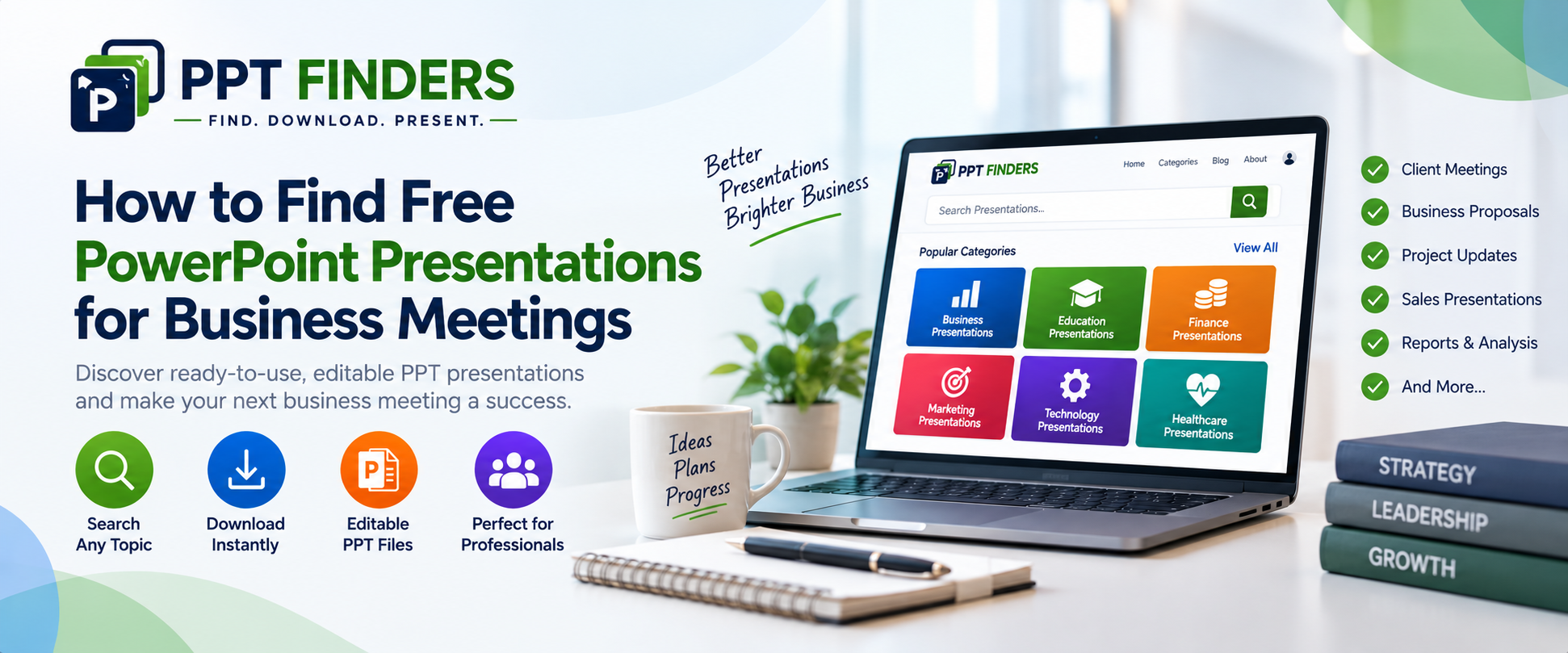
Looking for PowerPoint presentations for a business meeting? Discover how ready-made, editable PPT presentations can help you prepare client meetings, reports, proposals, and business updates faster.
Read article
Looking for PowerPoint presentations for a business meeting? Discover how ready-made, editable PPT presentations can help you prepare client meetings, reports, proposals, and business updates faster.
Read article