Templates

A practical framework for matching a template to your subject and audience, instead of picking whatever looks nicest at first glance.
It's tempting to browse templates first and then force your content to fit, but this usually produces a mismatched deck. Instead, list out roughly how many text-heavy slides, chart slides, and image slides you'll need, then look for a template that supports that mix. This "content-first" approach takes an extra ten minutes but saves much more time later in reformatting.
Templates with large decorative shapes, unusual slide transitions built in, or unconventional layouts can look impressive in a template gallery but are often harder to adapt to your specific content. If you're on a deadline, a simpler template you can fully customize is usually a safer choice than an elaborate one you have to fight against for every slide you add.
Before building your full deck, populate three or four representative slides — a title slide, a text-heavy slide, a chart slide, and an image slide — with your actual content. If all four look good, the template is a solid match. If one type consistently looks cramped or awkward, look for a different template rather than trying to force your content to fit throughout an entire deck.
A template that looks great on 5 slides can start to feel repetitive or restrictive across 25. Before committing to a longer presentation, check whether the template offers at least two or three distinct layout variations — a full-image slide, a two-column comparison slide, and a standard text-and-bullets slide — so your deck doesn't feel monotonous by slide 15.
The best template is the one you stop noticing after the first two slides, because the audience is focused on your content, not commenting on the design. If you find yourself still tweaking template details ten slides in, that's usually a sign the template wasn't quite the right fit to begin with.
Continue reading similar articles.

Where to find genuinely useful, free presentation templates for engineering seminars, project reviews, and technical reports.
Read article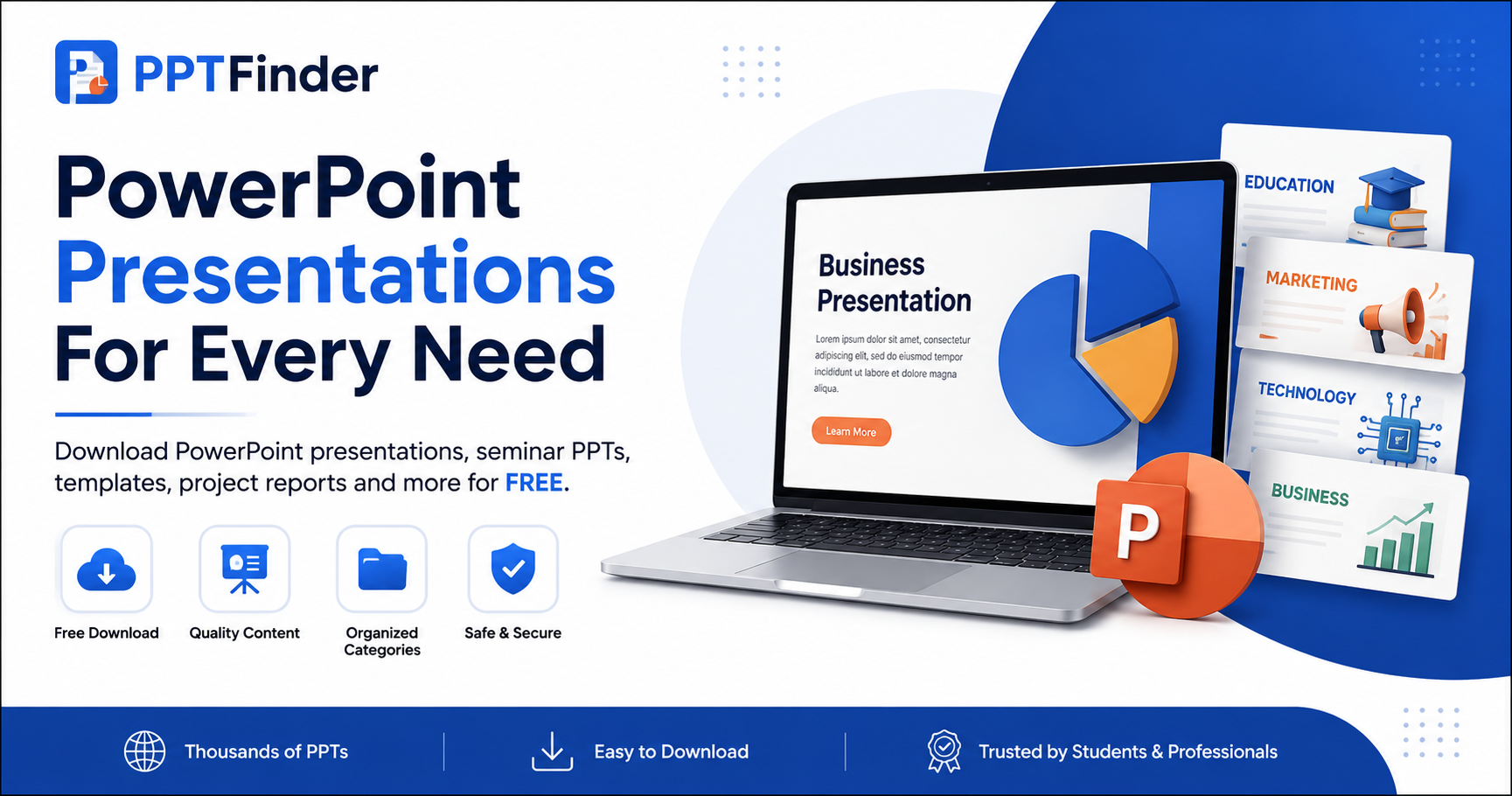
Learn how to search PPT Finder for free seminar PowerPoint presentations, filter useful decks, and download slides without wasting time.
Read article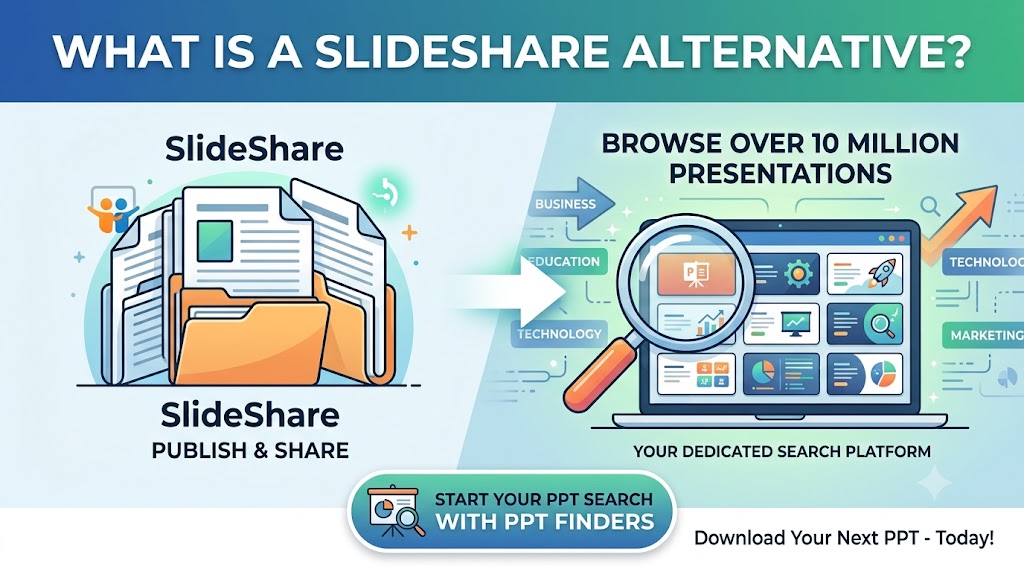
Looking for a SlideShare alternative to find PowerPoint presentations? Discover how PPT Finders helps students and professionals search for presentations by topic and find useful PPT resources faster.
Read article