Templates

Where to find genuinely useful, free presentation templates for engineering seminars, project reviews, and technical reports.
Most generic PowerPoint templates are built for business pitches — lots of icons, minimal text space, and no room for equations, circuit diagrams, or data tables. A good engineering template instead needs: a clean title slide, a layout that supports diagrams and formulas, table-friendly slides for data or comparisons, and a references slide. Understanding this distinction upfront saves a lot of wasted time browsing template galleries that don't actually fit technical content.
A template found online rarely matches your topic exactly. Before your seminar, go through it and:
Once you start editing a template, it's tempting to keep tweaking colors, fonts, and spacing indefinitely. Set a time limit for template customization — 20-30 minutes is usually enough — and then move on to actually filling in your content, which is what evaluators are really assessing.
Not every seminar needs all seven — a purely conceptual topic without original results might skip the results slide, for instance — but this list is a solid default structure to start from and remove sections you genuinely don't need.
Use PowerPoint's built-in Equation editor (Insert > Equation) rather than pasting an image of a formula from another document — it renders more cleanly and stays editable if you need to adjust it later.
If you don't have access to specialized diagramming software, PowerPoint's SmartArt and basic shape tools (Insert > Shapes) are enough to build a clean block diagram. Keep line weights and arrow styles consistent across every diagram in your deck.
Open your final file on a different computer, ideally with an older PowerPoint version, to make sure fonts, icons, and embedded charts haven't shifted. This single step avoids the most common last-minute formatting panic — a diagram that looked fine on your laptop suddenly overlapping text on the seminar room's projector.
Continue reading similar articles.

A practical framework for matching a template to your subject and audience, instead of picking whatever looks nicest at first glance.
Read article
Learn how to search PPT Finder for free seminar PowerPoint presentations, filter useful decks, and download slides without wasting time.
Read article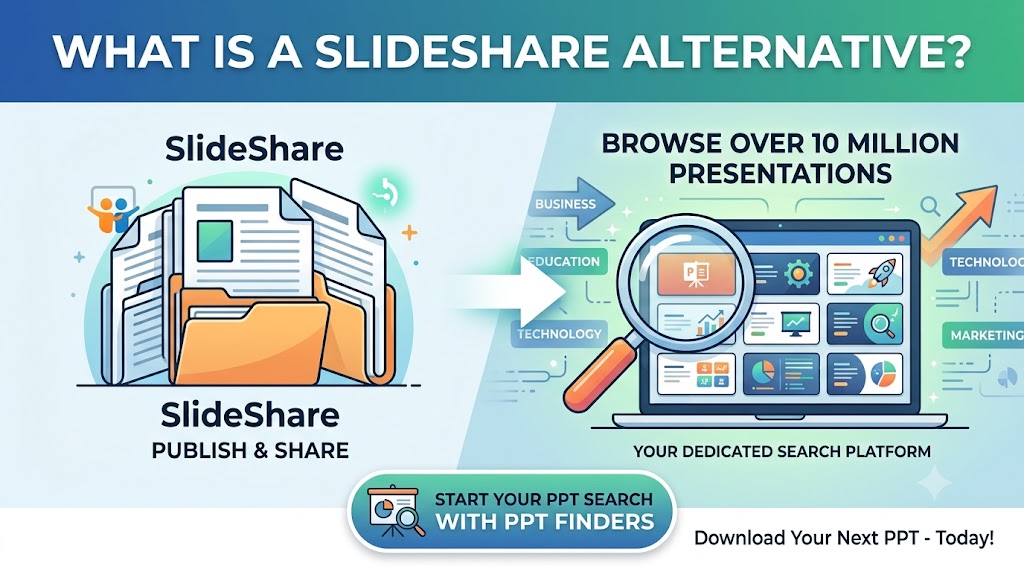
Looking for a SlideShare alternative to find PowerPoint presentations? Discover how PPT Finders helps students and professionals search for presentations by topic and find useful PPT resources faster.
Read article