PowerPoint Tips
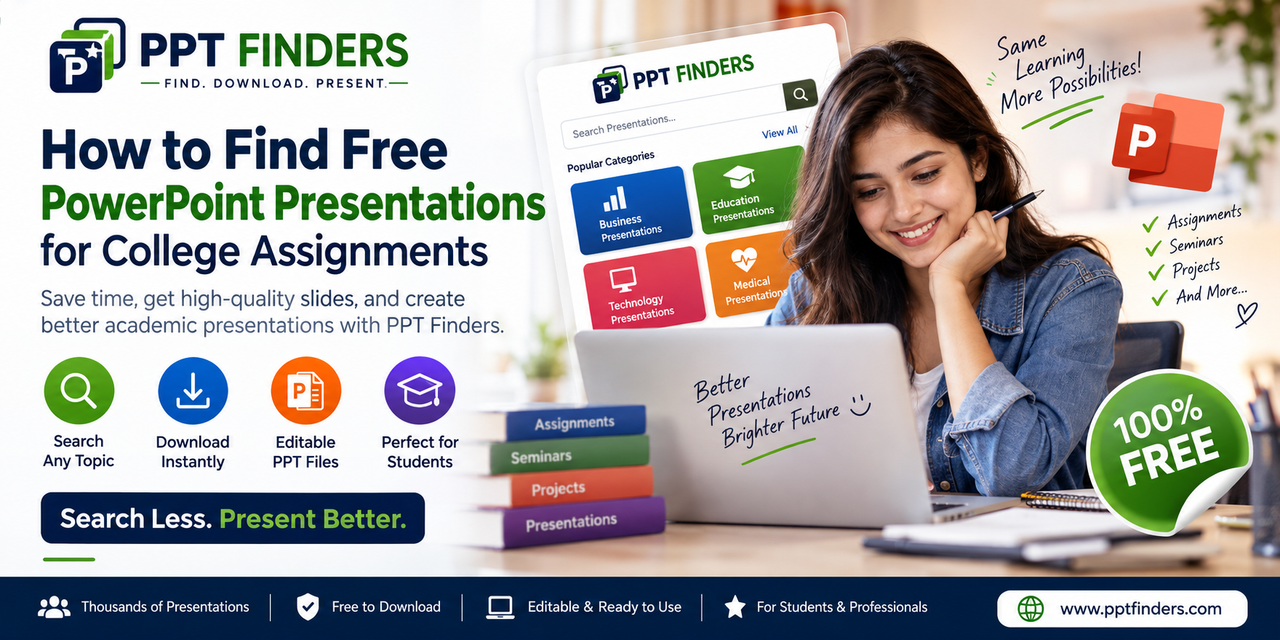
Need a PowerPoint for your college assignment? Learn how to find free, ready-to-use presentations, save time, and create better academic presentations with PPT Finders.
PowerPoint presentations are a regular part of college life. Students may need to prepare presentations for assignments, seminars, group projects, research topics, classroom activities, and final-year projects.
The challenge is that creating a good presentation from scratch can take hours. Finding the right information is only one part of the work. Students also need to organize the content, design attractive slides, create charts and diagrams, and make the presentation easy to understand.
This is where finding a ready-made PowerPoint presentation can save valuable time.
Instead of searching through hundreds of websites, students can use a PowerPoint search platform such as PPT Finders to discover presentations based on their topic or subject.
PPT Finders is designed to help students and professionals find PowerPoint presentations quickly. You can search for presentations covering different academic, business, technology, medical, engineering, marketing, and other topics.
Ready-made presentations can be useful for many college activities, including:
The first step is to clearly identify your topic. For example, if your assignment is about artificial intelligence, searching for a specific topic such as “Artificial Intelligence in Healthcare” can be more useful than simply searching for “AI.”
A specific search helps you find presentations that are closer to your assignment requirements and can reduce the amount of editing needed later.
One of the biggest advantages of using ready-made PowerPoint presentations is the time you can save.
Instead of designing every slide yourself, you can use an existing presentation as a starting point. You can then review the content, make appropriate changes, add your own research, and customize the presentation according to your college requirements.
A ready-made presentation should be treated as a starting point rather than something you simply submit without reviewing.
Students should check the information, update outdated content, add relevant examples, and modify the slides to match their assignment. Adding your own research and explanations can also make the presentation more useful and meaningful.
PPT Finders makes it easier to search for PowerPoint presentations across different topics and industries.
Whether you are looking for an engineering presentation, business topic, medical subject, marketing presentation, technology topic, or academic project, you can search for relevant presentations and find useful resources in less time.
The platform is designed for students, teachers, researchers, working professionals, and anyone who regularly creates presentations.
Creating a presentation does not always have to start with a blank slide.
If you are working on a college assignment or seminar, explore existing PowerPoint presentations, use them as inspiration or a starting point, and customize your slides with your own research and ideas.
Visit PPT Finders and start searching for your next PowerPoint presentation.
Finding the right PowerPoint presentation can save students significant time when working on assignments and academic projects. With a dedicated PowerPoint search platform, you can discover presentations by topic, download useful resources, and spend more time improving your ideas instead of designing every slide from scratch.
Find. Download. Present.
Continue reading similar articles.
Learn how to search PPT Finder for free seminar PowerPoint presentations, filter useful decks, and download slides without wasting time.
Read article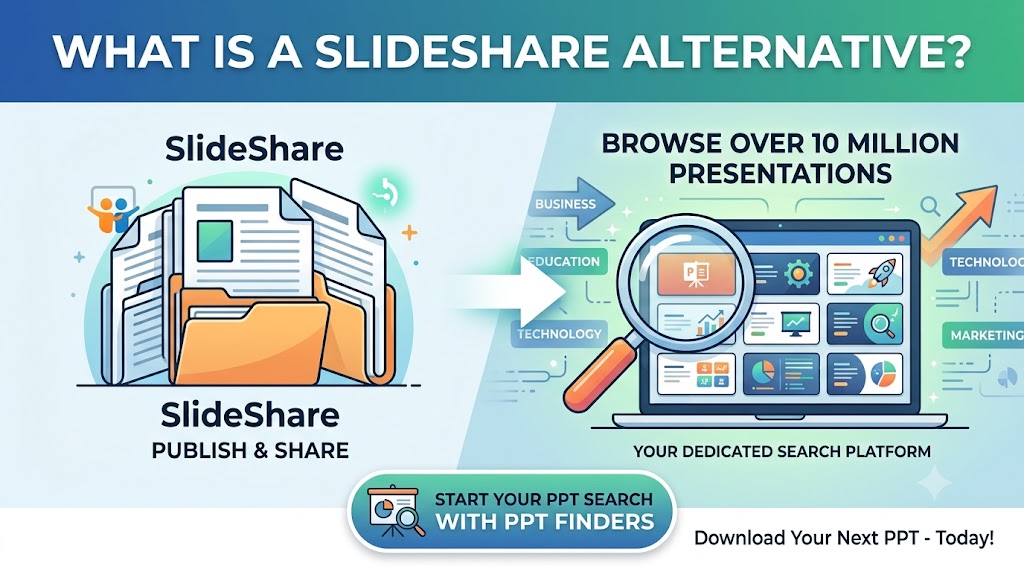
Looking for a SlideShare alternative to find PowerPoint presentations? Discover how PPT Finders helps students and professionals search for presentations by topic and find useful PPT resources faster.
Read article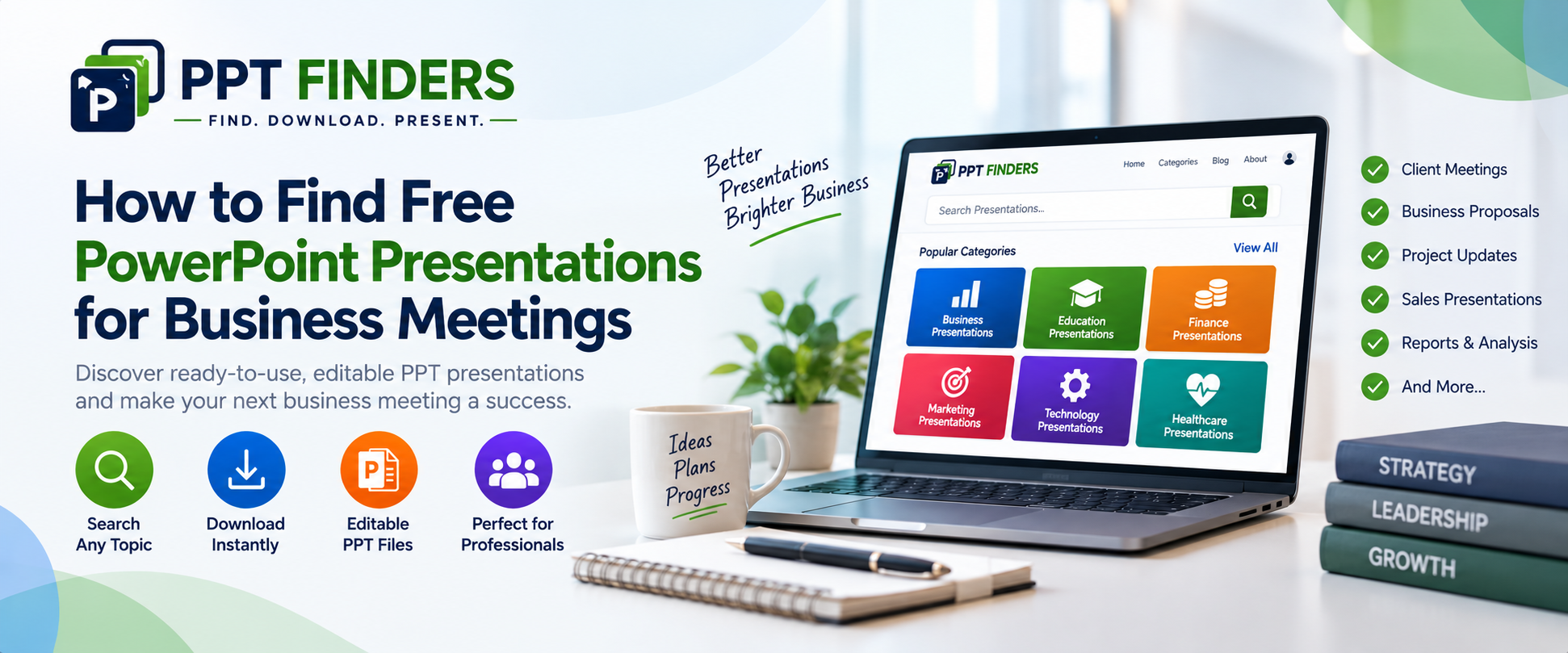
Looking for PowerPoint presentations for a business meeting? Discover how ready-made, editable PPT presentations can help you prepare client meetings, reports, proposals, and business updates faster.
Read article